Google Chrome
-
4.3
-
Developer
Google LLC
-
Category
Communication
-
Version
109.0.5414.86
-
Android OS
Varies with device
-
Downloads
550M
-
Content rating
0
Pro
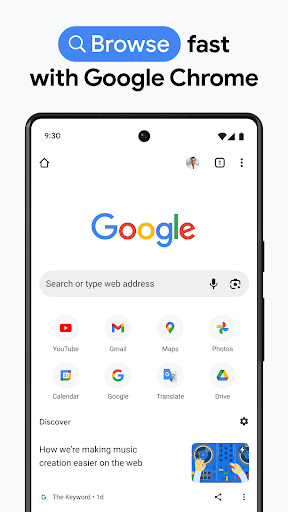
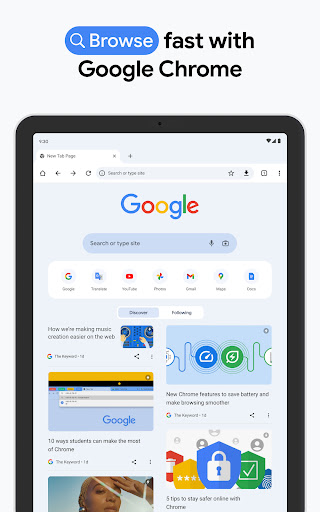
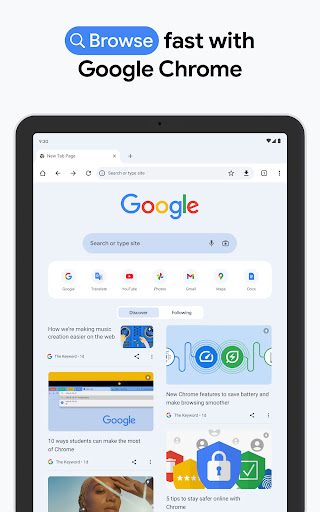
👍 Google Chrome delivers fast, responsive browsing with a performance-optimized engine that loads pages quickly, prefetches links, and manages resources across tabs. Efficient memory handling and hardware acceleration help multimedia run smoothly, making Chrome ideal for heavy web apps, streaming, and rapid navigation without lag or interruptions.
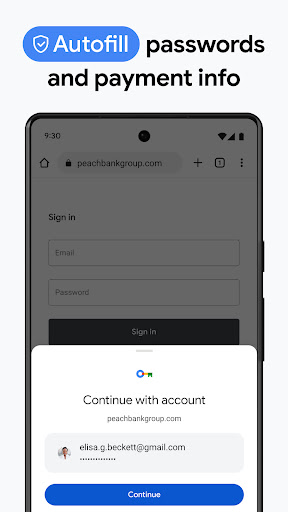
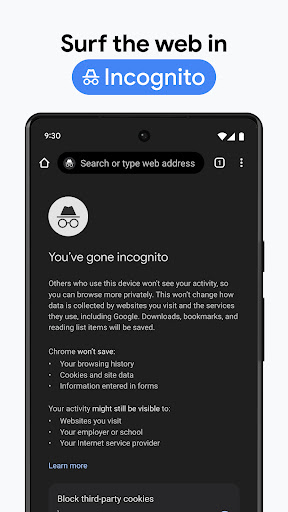
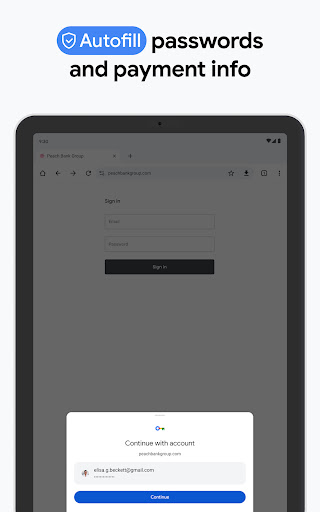
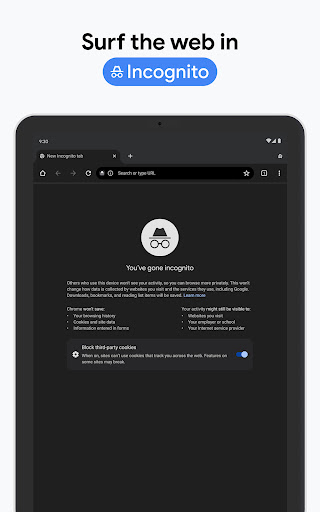
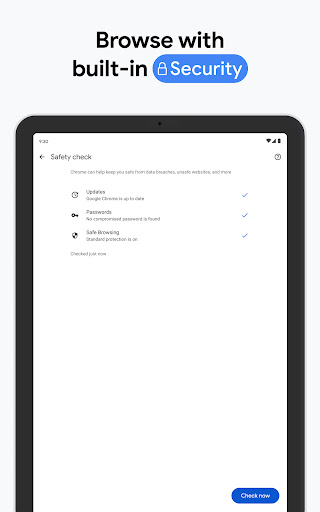
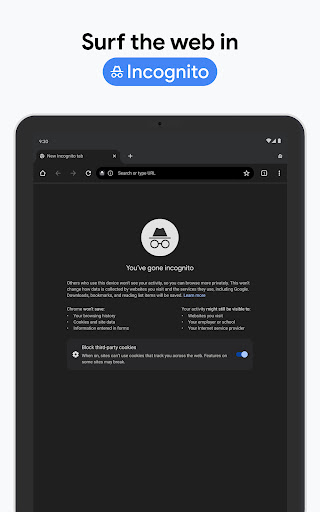
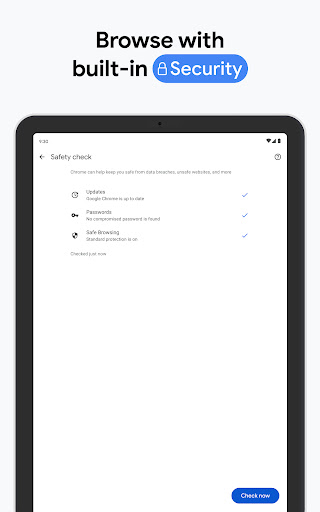
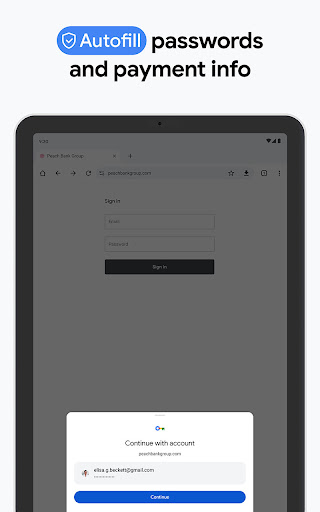
👍 Chrome prioritizes security and privacy with sandboxing, Safe Browsing protection, automatic security updates, and built-in phishing and malware defenses. Incognito mode, granular site permissions, HTTPS enforcement, and a built-in password manager give users control over data and safer online shopping, banking, and general browsing.
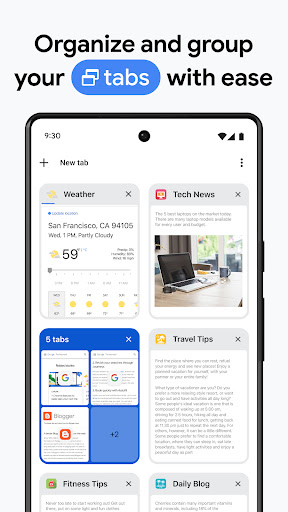
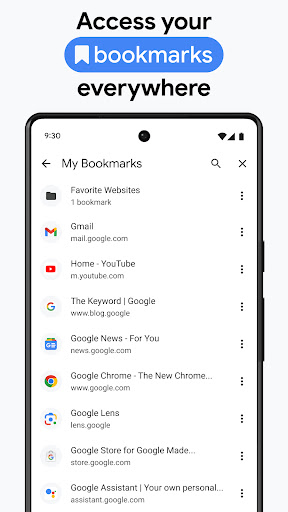
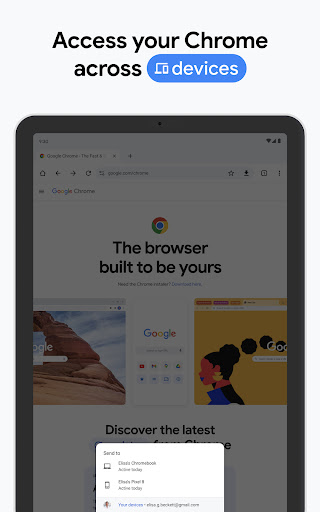
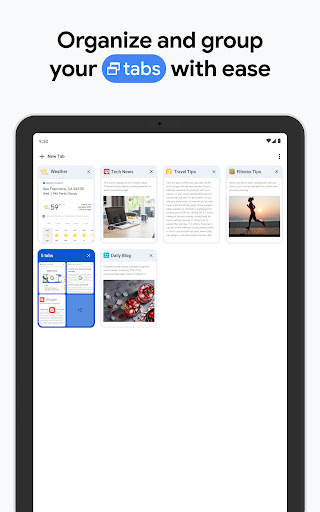
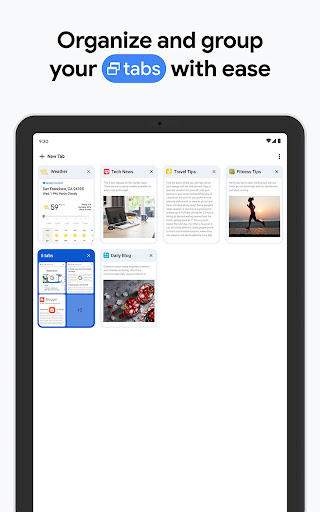
👍 Seamless integration across devices keeps bookmarks, history, open tabs, and passwords synced via your Google account for instant access. Robust extension support, customizable tab groups, an address bar (Omnibox) that doubles as a search box, and developer tools boost productivity, customization, and a consistent browsing experience across desktop and mobile.
Con
👎 Chrome is known for heavy resource consumption; multiple tabs and extensions can quickly use significant RAM and CPU, causing system slowdowns on older or low-spec devices. This makes multitasking and running memory-intensive applications harder, and users may need to limit tabs or install third-party memory managers to maintain performance.
👎 Despite built-in security, Chrome’s deep integration with Google services means extensive data collection and cross-device syncing. Browsing history, searches, and usage patterns may be stored in Google’s cloud, raising privacy concerns for users who prefer minimal tracking or granular control over telemetry and personalization settings.
👎 Chrome’s extension ecosystem improves functionality but can introduce security and privacy risks: poorly reviewed or malicious add-ons may request intrusive permissions, harvest data, or slow performance. Additionally, Chrome offers limited native UI customization compared with some competitors, forcing users to rely on third-party extensions for appearance and workflow changes.
Screenshots