Navigation for Google Maps Go
-
4.3
-
Category
Travel & Local
-
Version
10.74.3
-
Android OS
4.4
-
Downloads
410M
Pro
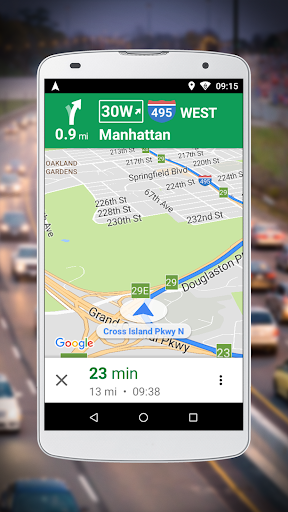
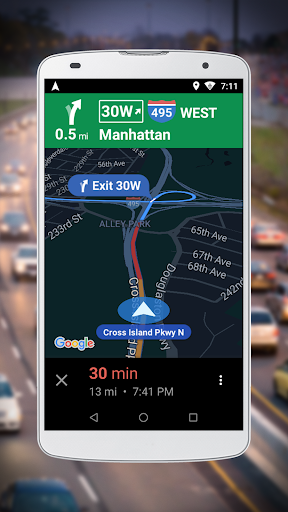
👍 Lightweight, fast performance optimized for low-end devices. Navigation for Google Maps Go uses minimal storage and RAM, launches quickly on slow phones, and loads routes even on weak network connections. This streamlined design reduces app crashes and lag, giving users dependable turn-by-turn directions without the overhead of the full Maps app.
👍 Essential navigation features including reliable turn-by-turn voice guidance, real-time traffic updates, and automatic rerouting help you reach destinations efficiently. The app supports driving, walking, and public transit directions, with clear step-by-step instructions and map previews that make planning trips fast and simple, without unnecessary clutter.
👍 More data- and battery-efficient than the full Maps app, Navigation for Google Maps Go minimizes mobile data usage and conserves battery life during long trips. Its simplified interface focuses on essential information—large fonts, prominent directions, and easy-to-tap controls—improving safety and usability for drivers and commuters.
Con
👎 Navigation for Google Maps Go omits many advanced features found in the full Google Maps app. It lacks offline map downloads, detailed lane guidance, multi-stop routing, and Street View, so users who depend on those capabilities for complex trips or poor-connectivity planning will find the experience limited and less reliable.
👎 Because it’s a lightweight companion, the app depends heavily on a stable internet connection and provides simplified real-time data. Traffic updates, transit schedules, and ETA accuracy can be less detailed or slower to refresh, making navigation less dependable in areas with intermittent service or for time-sensitive route planning.
👎 The simplified interface reduces customization and integrations: fewer route options, limited voice guidance controls, minimal third-party app support, and constrained accessibility settings. Power users and people with specific navigation preferences or accessibility needs may find the app restrictive compared with the full Google Maps experience.
Screenshots