Microsoft Edge
-
4.6
-
Developer
Microsoft Corporation
-
Category
Communication
-
Version
133.0.3065.67
-
Android OS
4.4
-
Downloads
520M
-
Content rating
3
Pro
👍 Microsoft Edge delivers fast, responsive browsing built on the Chromium engine, offering broad website compatibility and efficient resource use. Features like Sleeping Tabs and Startup Boost reduce memory and speed up load times, while a built-in PDF viewer and smooth media playback make day-to-day browsing snappier and more reliable.
👍 Edge integrates tightly with Microsoft 365 and Windows, streamlining workflows through profile sync, Collections, vertical tabs and the Sidebar. Built-in tools—Immersive Reader, web capture, and in-browser Office support—help research, note-taking, and collaboration without switching apps, boosting efficiency for both personal users and enterprise teams with fast sign-in and password sync across devices.
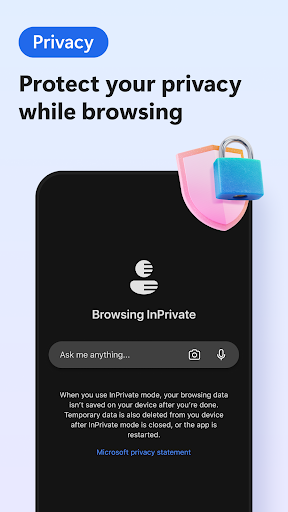
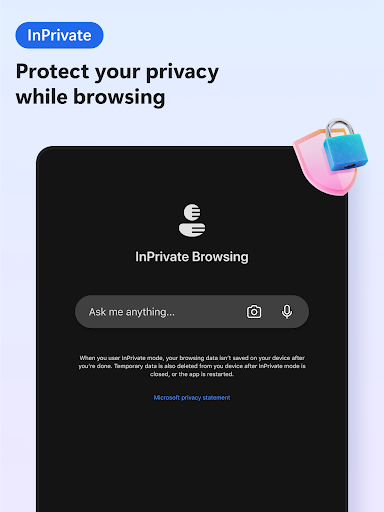
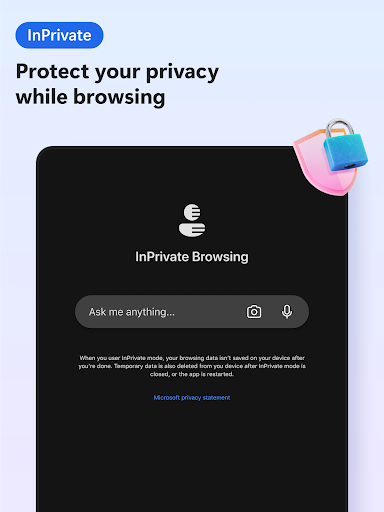
👍 Edge prioritizes privacy and security with built-in Tracking Prevention, Microsoft Defender SmartScreen, and frequent security updates. Features like password monitor, secure profiles, and sandboxing protect against phishing and malware, while clear privacy controls let users customize site permissions and tracking protections for safer, more confident browsing.
Con
👎 Microsoft Edge raises privacy concerns for some users. Its deep integration with Microsoft services, default Bing search suggestions, and telemetry collection tied to a Microsoft account can lead to data sharing across devices. While privacy settings exist, full-feature sync and personalized features often require account sign-in, which may unsettle privacy-conscious users.
👎 Edge can consume significant system resources under heavy use. Multiple profiles, extensions, background services, and open tabs increase RAM and CPU usage, sometimes causing slower performance or higher battery drain on laptops. Built-in features like Sleeping Tabs help, but power users and older machines may still notice lag compared with lighter browsers.
👎 Despite being Chromium-based, Edge can encounter compatibility friction with certain enterprise or legacy web applications and rarely with some Chrome-specific extensions. Frequent UI updates and prominent Microsoft service promotions (Bing, Teams, Edge collections) can disrupt workflows. Default Windows integration also makes it harder to switch browsers without extra configuration.
Screenshots