Optimum
-
4.7
-
Developer
CSC Holdings, LLC.
-
Category
Entertainment
-
Version
2.0.1.0
-
Android OS
Varies with device
-
Downloads
380M
-
Content rating
0
Pro
👍 Optimum app centralizes account management, letting users view and pay bills, monitor data usage, manage subscriptions, and schedule technician appointments from one intuitive interface. Secure sign-in and real-time alerts simplify billing and service updates, reducing phone calls and making account control fast and convenient for busy households.
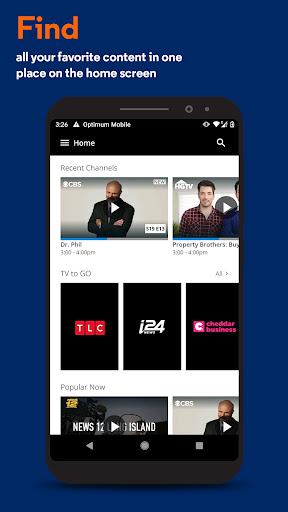
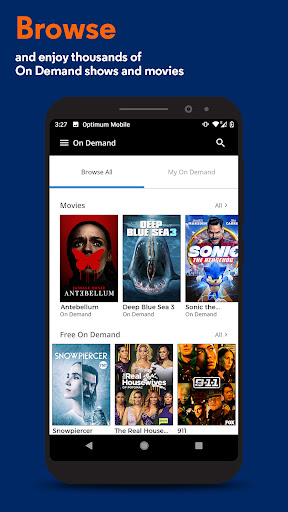
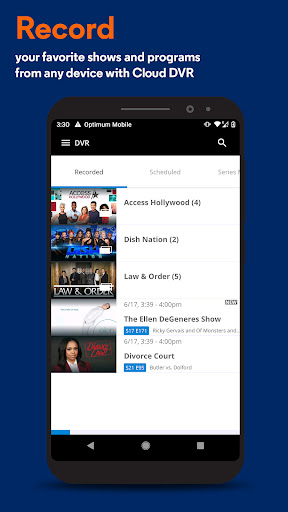
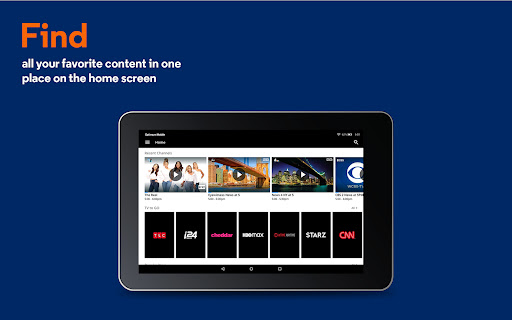
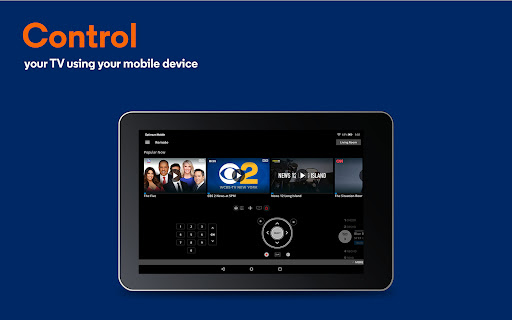
👍 Optimum's entertainment features stream live TV and on-demand shows directly to phones, tablets, and smart TVs, with easy search, guide navigation, and remote DVR control. Personalized recommendations and resume watching make discovery effortless, while casting support and high-definition playback deliver a seamless viewing experience at home or on the go.
👍 Optimum simplifies home network control with in-app WiFi management, device prioritization, parental controls, and guest network setup. Built-in diagnostics and troubleshooting speed problem resolution, while access to millions of Optimum WiFi hotspots and integration with signal-boosting devices extend coverage for reliable, secure connectivity across your home and when traveling.
Con
👎 Performance can be inconsistent: the Optimum app sometimes experiences slow loading, crashes, or streaming buffering that interrupt viewing and account tasks. These reliability hiccups are more noticeable on older devices or slower connections, reducing convenience and forcing users to switch to the website or restart the app for basic functions.
👎 Feature parity with the desktop portal is limited: advanced billing options, detailed account history, and some router management or streaming features may be missing or simplified in the app. That lack of full functionality frustrates power users who need granular controls or complete account administration without logging into the full website.
👎 The user interface can feel cluttered and unintuitive, with confusing navigation, inconsistent labeling, and intrusive notifications that make it harder to find key settings. In-app customer support and troubleshooting tools are limited, so resolving billing issues or technical problems often requires calling support or using the web portal.
Screenshots