PDF Reader
-
4.3
-
Developer
QR Code Scanner.
-
Category
Productivity
-
Version
1.5.3
-
Android OS
Varies with device
-
Downloads
480M
-
Content rating
0
Pro
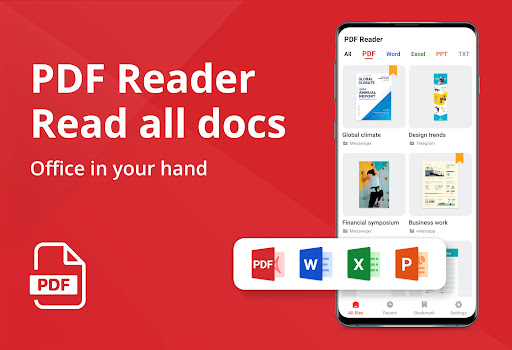
👍 PDF Reader - PDF Viewer delivers fast, reliable PDF rendering with smooth scrolling, instant search, and smart navigation. It opens large files quickly, supports bookmarks and page thumbnails, and offers text reflow and night mode for comfortable reading on any device—ideal for users who need quick access and efficient document review.
👍 Robust annotation and editing tools let you highlight, underline, add comments, draw, and insert stamps with precision. The app supports form filling, digital signatures, OCR text recognition, and easy conversion or merging of PDFs, making collaboration and document preparation seamless for students, professionals, and teams anywhere.
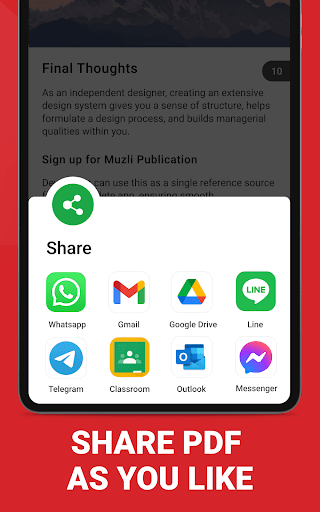
👍 Strong security and cloud integration protect your files while streamlining access. PDF Reader - PDF Viewer offers password protection, encryption, and secure sharing, plus seamless sync with Google Drive, Dropbox, and OneDrive. Offline access, efficient file organization, and compression/export options ensure productivity and safe document management wherever you work.
Con
👎 The app places many useful tools—advanced editing, OCR, file conversion, and expanded cloud storage—behind a paywall. Users often encounter recurring subscription prompts and in-app purchases that block core capabilities, making the full feature set costly and frustrating for those who only need occasional PDF edits.
👎 Large or complex PDFs can cause slow rendering, long load times, and occasional crashes, particularly on older tablets and phones. Scrolling, search, and annotation may lag or fail to sync reliably during heavy use, degrading the reading and editing experience for users who work with high-resolution images or multipage documents.
👎 Built-in OCR and PDF editing are often basic compared with desktop solutions. Text recognition can misread characters or lose formatting when converting scanned documents, and complex layouts or embedded fonts may not preserve correctly. Collaboration and cross-device synchronization features are also sometimes limited or dependent on third-party cloud subscriptions.
Screenshots