Auto Clicker
-
4.5
-
Developer
Simple Design Ltd.
-
Category
Tools
-
Version
1.3.4
-
Android OS
Varies with device
-
Downloads
10M
-
Content rating
0
Pro
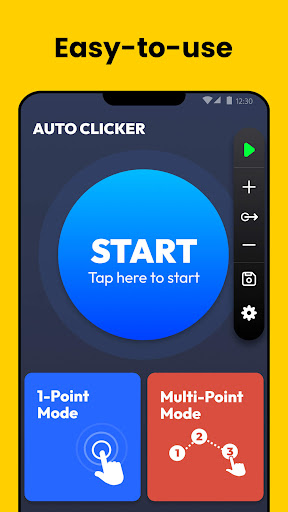
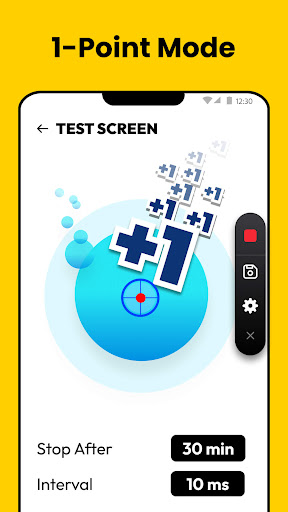
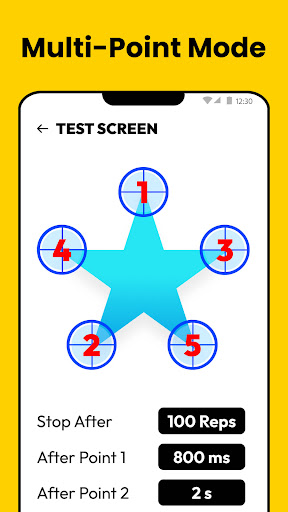
👍 Automating repetitive taps saves time and boosts productivity. Auto Clicker lets you set precise intervals, durations, and repeat counts while supporting multi-point taps and scheduled actions. Hands-free operation streamlines tasks like data entry, form submissions, and app testing, freeing users to focus on higher-value work without manual clicking.
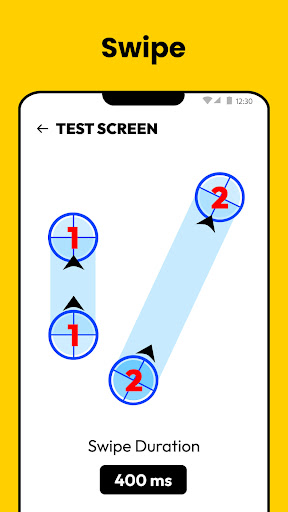
👍 Mobile gamers gain consistent, high-speed tapping with configurable coordinates, interval timing, and multi-touch sequences. Auto Clicker improves accuracy for rapid-fire or grind-based actions, reduces finger fatigue, and helps maintain optimal input timing for competitive play. The precise control prevents missed inputs and supports complex tap patterns for advanced strategies.
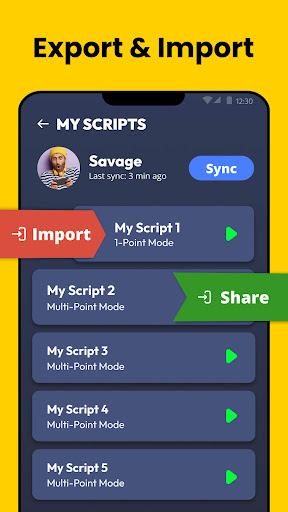
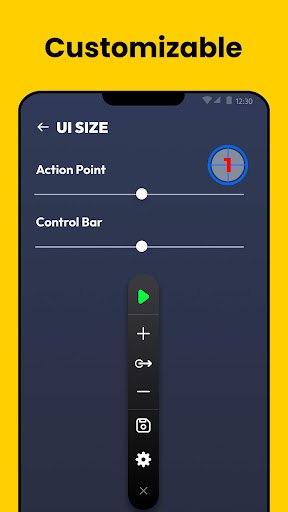
👍 Designed for accessibility and convenience, Auto Clicker works without root access and offers an intuitive floating control interface. Users can record and replay tap sequences, save presets, and schedule tasks. Lightweight and battery-conscious, it integrates with Android’s accessibility features to remain secure and easy to operate for beginners and power users alike.
Con
👎 Auto Clicker: Auto Tapper can significantly increase battery drain and device strain. Continuous background tapping uses CPU and screen resources, causing faster battery depletion, overheating, and reduced system responsiveness. Prolonged use may slow other apps or shorten device lifespan, especially on older devices with limited cooling.
👎 Because Auto Clicker: Auto Tapper requires Accessibility permissions to simulate taps, it demands extensive access to your device. Granting these rights can raise privacy and security concerns—malicious apps or misconfigurations might misuse permissions, exposing sensitive data or enabling unintended actions. Users should weigh convenience against potential risks before enabling them.
👎 Using Auto Clicker: Auto Tapper may violate terms of service for many apps and games. Automated tapping can lead to account suspensions or bans if detected. Additionally, the app's performance varies across devices and secure apps often block synthetic input, causing inconsistent behavior, crashes, or failed automation for some tasks.
Screenshots