Microsoft Authenticator
-
4.3
-
Developer
Microsoft Corporation
-
Category
Business
-
Version
6.2510.7291
-
Android OS
Varies with device
-
Downloads
630M
-
Content rating
0
Pro
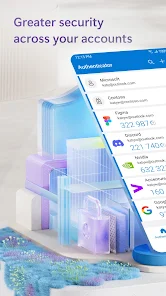
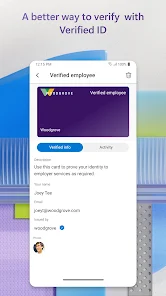
👍 Microsoft Authenticator delivers strong multi-factor and passwordless security by combining one-time codes, push approvals, biometric and PIN protection, and support for FIDO2 passwordless sign-ins. It also generates offline time-based codes and securely stores credential keys, reducing phishing risk and preventing unauthorized access across personal and enterprise accounts.
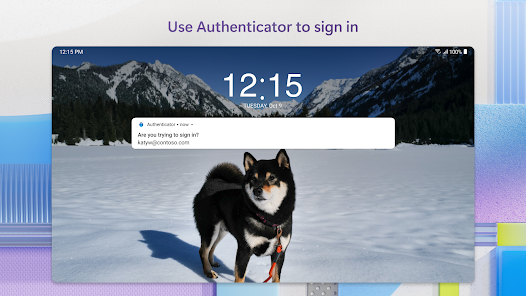
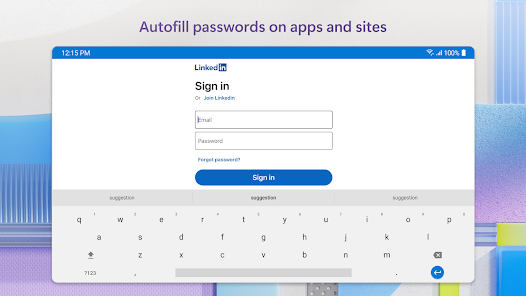
👍 The app streamlines sign-ins with one-tap push notifications, easy setup for work and personal accounts, and biometric autofill for passwords. Users can approve access quickly, use the built-in password manager, and still generate one-time codes when offline. It integrates with mobile autofill to fill credentials across apps and browsers for faster logins.
👍 Microsoft Authenticator integrates with Microsoft 365, Azure AD and thousands of third-party services for easy enterprise deployment and personal use. Cloud backup and account recovery protect against device loss, while cross-platform iOS/Android support, multi-account management, and centralized admin controls help consolidate credentials and maintain compliance.
Con
👎 Device migration and backup can be cumbersome unless you enable cloud backup tied to a Microsoft account. Restoring accounts on a new device sometimes requires additional verification steps, and transferring between different platforms or accounts isn’t always seamless, causing extra setup time and potential lockout risks for less technical users.
👎 Push notifications and one-time passcode reliability vary with network conditions and device settings. Notifications may be delayed or blocked by strict battery optimization, VPNs, or connectivity issues, which can prevent timely sign-ins. When push fails, users must rely on backup codes or SMS, adding friction during urgent authentication needs.
👎 The app offers fewer advanced export/import and customization options compared with some competitors. Bulk migration of multiple accounts is limited and privacy-conscious users may be uneasy about backups tied to a Microsoft account. Enterprises needing granular policy controls or broader hardware-key integration may find the feature set restrictive.
Screenshots