Credit One Bank Mobile
-
4.8
-
Developer
Credit One Bank, N.A.
-
Category
Finance
-
Version
2.40
-
Android OS
Varies with device
-
Downloads
450M
-
Content rating
0
Pro
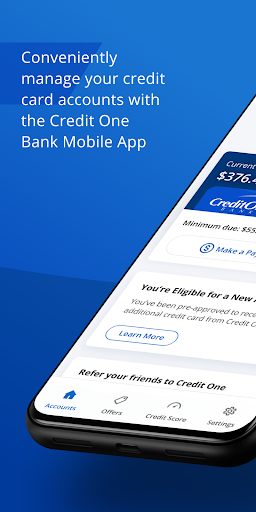
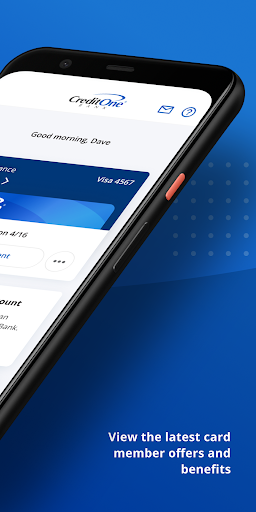
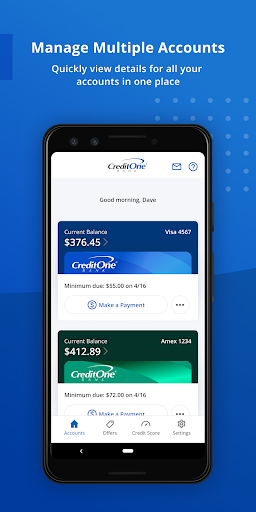
👍 Convenient account management: The Credit One Bank Mobile app lets you quickly view your card balance, transaction history, and monthly statements. Update personal information, set preferences, and access customer support without visiting a branch. The intuitive layout and fast load times make monitoring spending and keeping records straightforward.
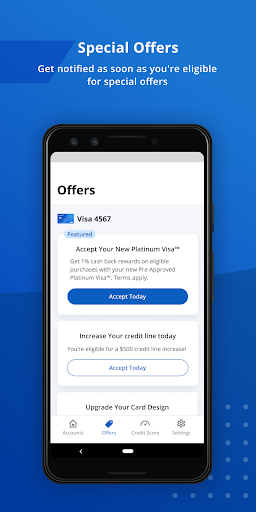
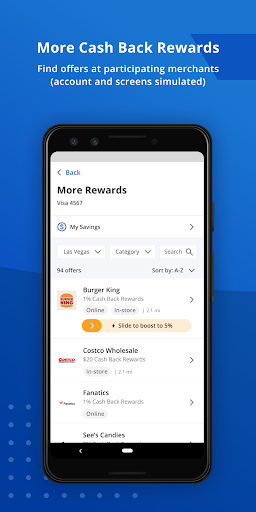
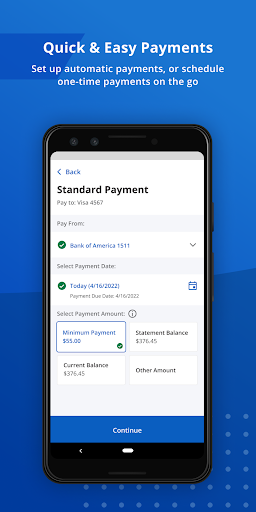
👍 Flexible payments and rewards tools: Pay your Credit One card instantly, schedule one-time or recurring payments, and set autopay to avoid late fees. Track reward points or cashback, view redemption options, and apply rewards toward purchases or statement credits directly in the app for quick, hassle-free value.
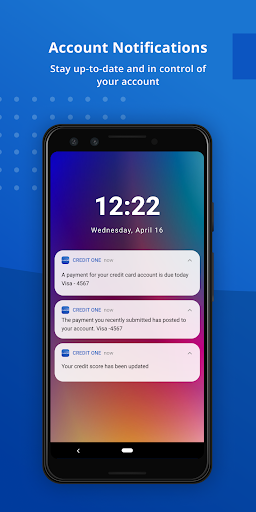
👍 Built-in security and notifications: Protect your account with secure sign-in options like Touch ID and Face ID, encrypted data storage, and real-time fraud alerts. Customize push, email, and SMS notifications for payments, suspicious activity, and balance updates so you stay informed and can act quickly if issues arise.
Con
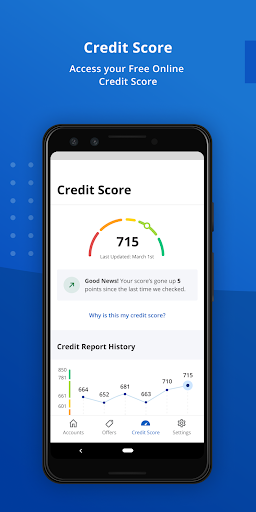
👎 Limited app functionality: Compared with many competitor banking apps, Credit One Bank Mobile lacks robust budgeting tools, detailed spending categorization, and seamless external account linking. Users may find the search and filtering of transactions basic, and power features like automatic savings goals, alerts customization, or in-depth credit monitoring are either limited or absent.
👎 Customer support can be inconsistent: many customers report slow in‑app messaging, long phone hold times, and delayed responses for payment disputes, fraud alerts, or billing questions. When urgent issues arise—like suspected fraud or credit reporting errors—the resolution process can feel slow and opaque compared with other major card issuers.
👎 Fees and rewards transparency: Credit One typically charges an annual fee on many cards and limits cashback rates to certain categories, which can be confusing. Reward posting may be slow or nonintuitive, and fee disclosures or APR explanations are not always easy to find in the app, complicating cost comparisons.
Screenshots