Inbox Homescreen
-
4.6
-
Developer
Homescreen Apps
-
Category
Communication
-
Version
1.0.29
-
Android OS
Varies with device
-
Downloads
480M
-
Content rating
0
Pro
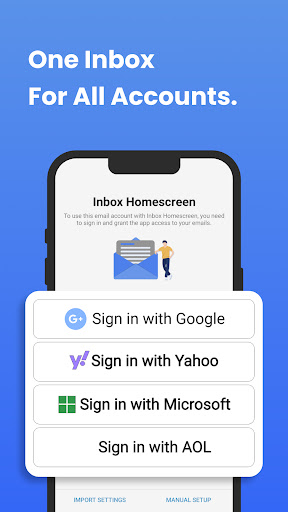
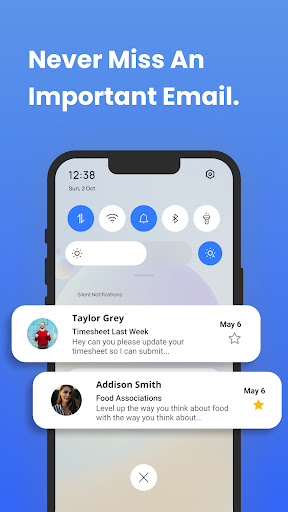
👍 Inbox Homescreen brings your most important messages directly to your phone’s home screen, eliminating constant app switching. With at-a-glance previews and real-time notifications, it speeds email triage and response, helping you stay on top of urgent threads and headlines without opening multiple apps or digging through folders.
👍 Customize widgets and layouts in Inbox Homescreen to surface the people and projects that matter most. Adjustable sizes, filters, and sorting let you prioritize senders, folders, and tags, creating a cleaner home screen that reduces distractions. Personalized views speed navigation and ensure critical messages appear front and center when you need them.
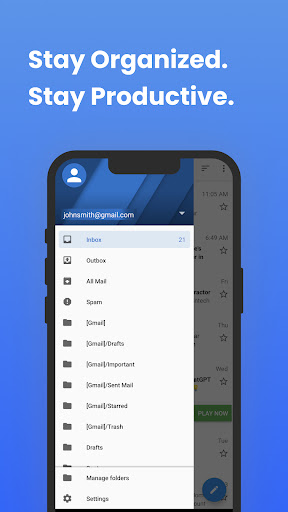
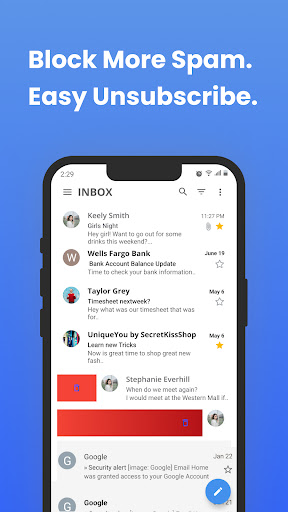
👍 Inbox Homescreen accelerates email management with smart actions, quick-reply templates, and one-tap triage. Built-in filters and machine-learning suggestions help auto-categorize messages and surface important content, while privacy controls protect account data. The result is faster workflows, fewer interruptions, and more time for focused work.
Con
👎 Because Inbox Homescreen surfaces email previews directly on your home and lock screens, it can expose sensitive subject lines or message snippets to anyone nearby. Privacy controls are often limited, so selectively hiding specific accounts or messages may be difficult, increasing the risk of accidental data exposure in public settings.
👎 The app relies on frequent background syncs and widget updates to keep information current, which can noticeably increase battery drain and mobile data usage—especially on older phones. Users with limited RAM may also see slower performance or app crashes when the homescreen is constantly refreshing inbox content.
👎 Integration and customization options are often restricted compared with full-featured launchers or native email apps. Some providers, advanced account settings, or third-party widgets may not be supported, and users can experience duplicate notifications or occasional sync delays. The limited layout and theme controls reduce flexibility for power users.
Screenshots