QR & Barcode Scanner
-
4.7
-
Developer
Gamma Play
-
Category
Tools
-
Version
2.2.59
-
Android OS
4.4
-
Downloads
460M
-
Content rating
3
Pro
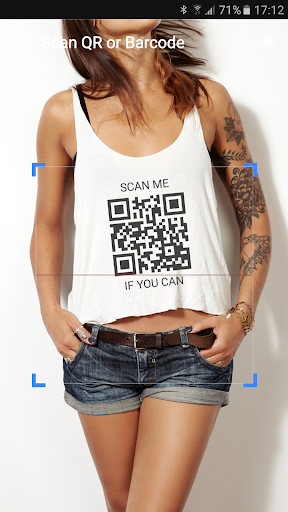
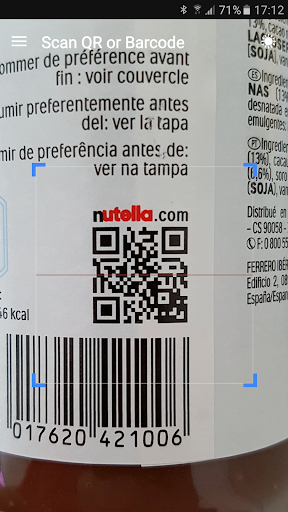
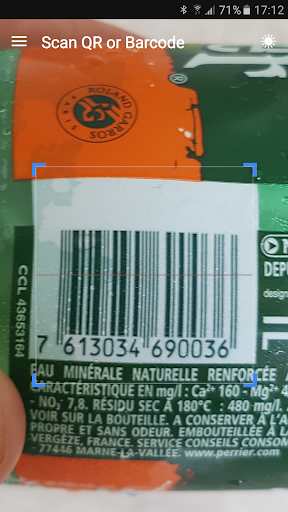
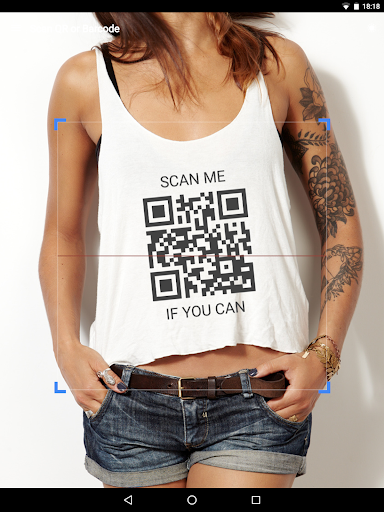
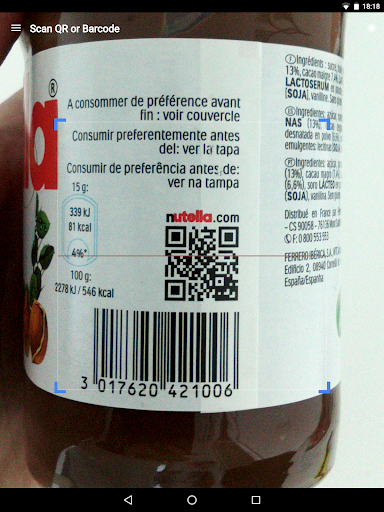
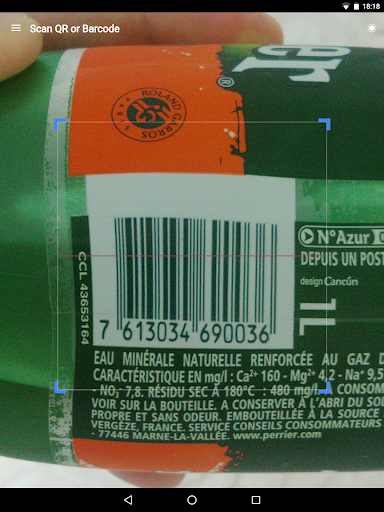
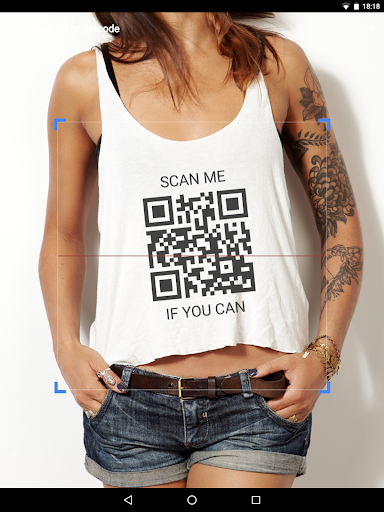
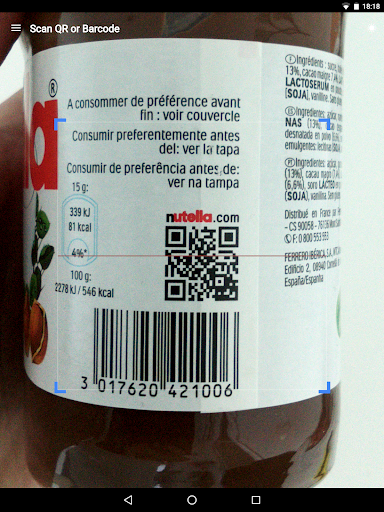
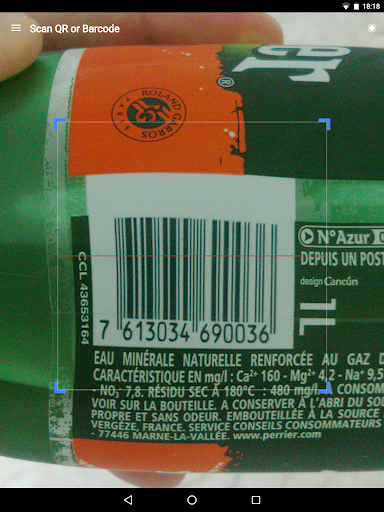
👍 QR & Barcode Scanner delivers lightning-fast, accurate scans across QR codes and all major barcode formats. Its advanced recognition algorithm instantly decodes even damaged or stylized codes, reducing errors and wait time. Ideal for retail, inventory management, and everyday use, it boosts productivity while keeping scanning seamless on any smartphone.
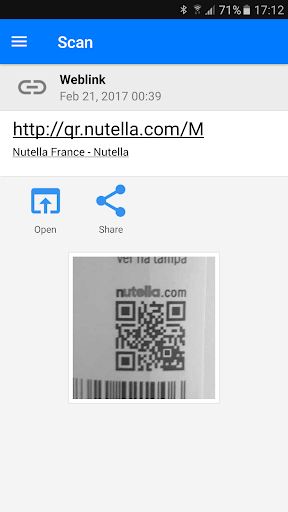
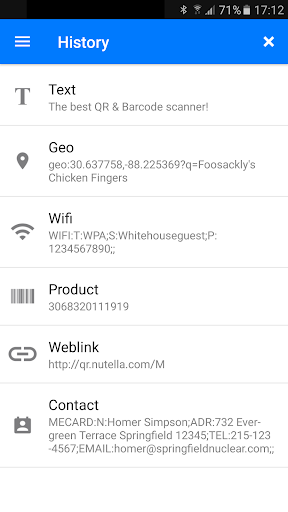
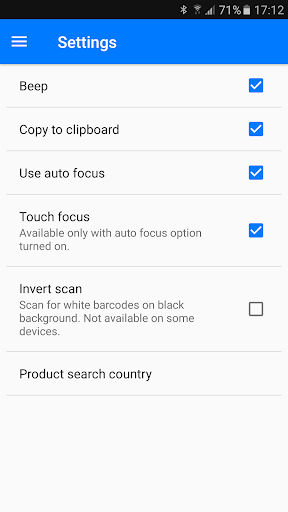
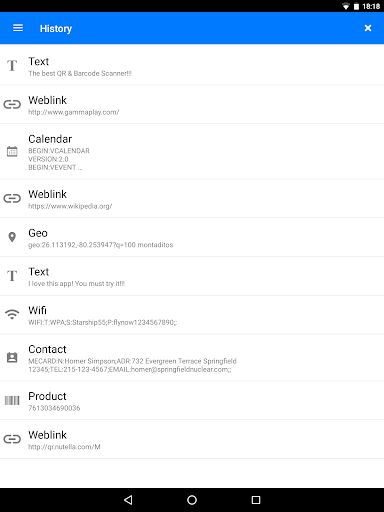
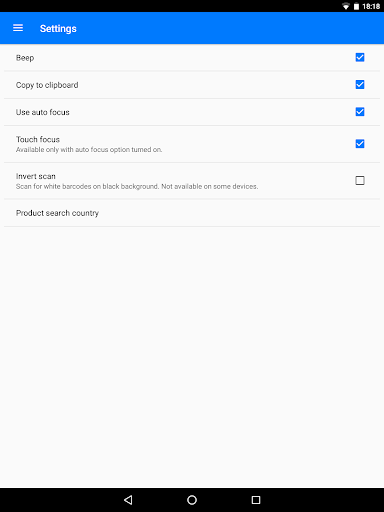
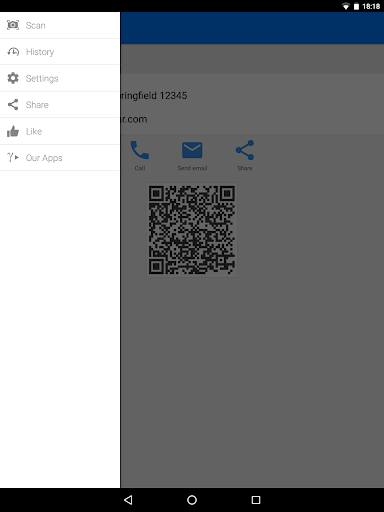
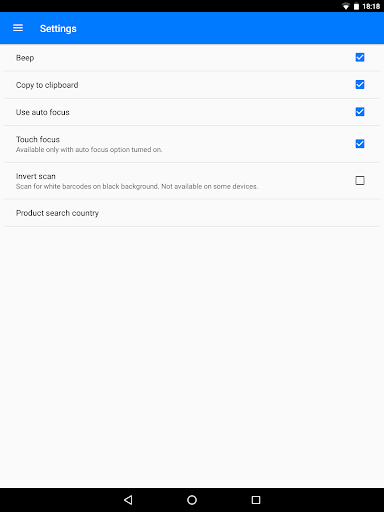
👍 QR & Barcode Scanner supports a wide range of code types and integrates handy features like product lookup, price comparison, batch scanning, and scan history. Offline scanning preserves functionality without a data connection, making it perfect for warehouses, stores, or travel. An intuitive interface and customizable settings adapt to both professional and casual users.
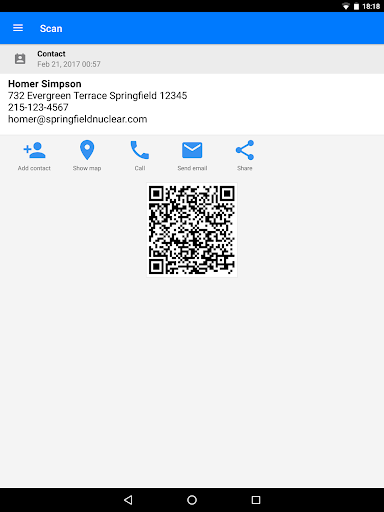
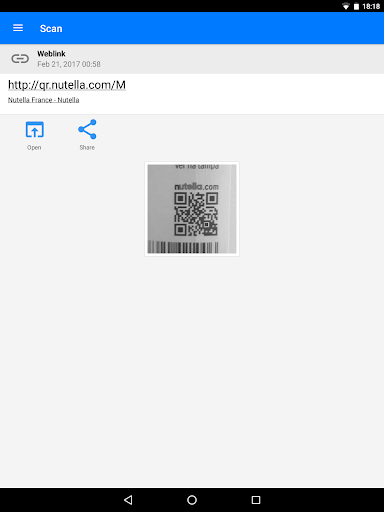
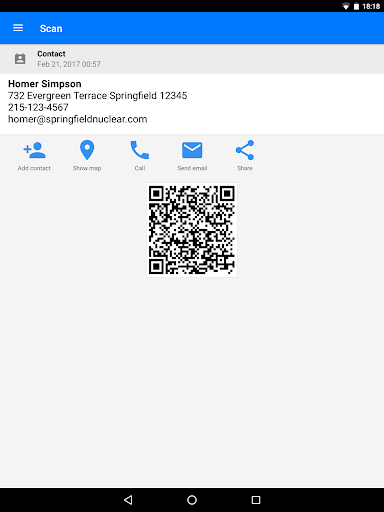
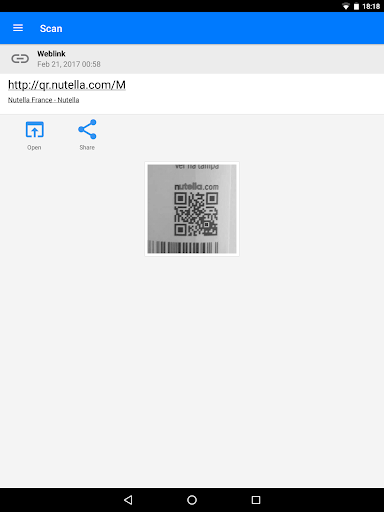
👍 QR & Barcode Scanner prioritizes privacy and security by processing scans locally and requesting minimal permissions. Sensitive information stays on your device, and optional cloud features are clearly labeled. Smart actions—like opening URLs, saving contacts, or adding calendar events—are safe and streamlined, improving workflow without exposing personal data.
Con
👎 The app can expose users to security and privacy risks: scanned QR codes may redirect to malicious websites, trigger unwanted downloads, or share personal data. Additionally, the scanner often requests broad permissions (camera, storage, location), which may be unnecessary and raise concerns about data collection and tracking.
👎 Many versions rely on intrusive advertising and aggressive monetization. Pop-up ads, banners, and interstitials interrupt scanning, and essential features—batch scanning, history export, or ad-free operation—are frequently locked behind subscriptions. That degrades usability and can make the app frustrating for frequent or business users.
👎 Scanning reliability can suffer in low light, with damaged codes, or on older devices. The app may fail to recognize less common barcode formats or offer insufficient error correction and manual input options. Lack of robust export, editing, or integration tools limits usefulness for inventory and professional workflows.
Screenshots