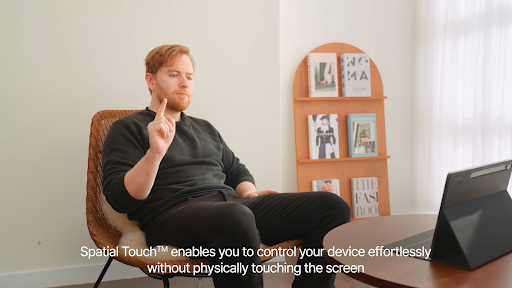
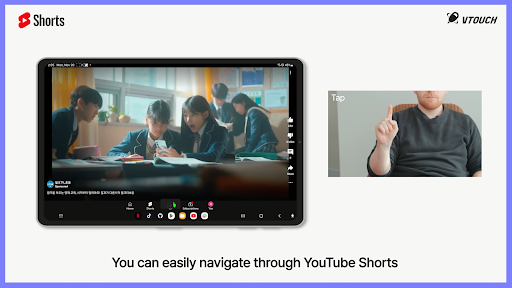
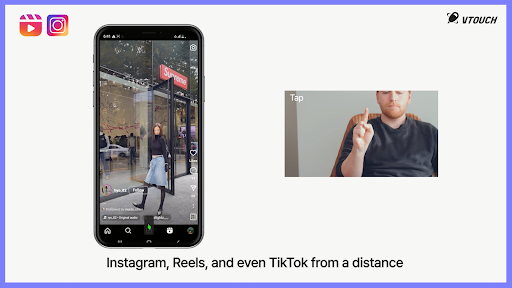
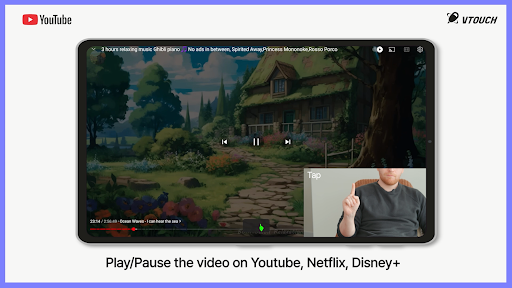
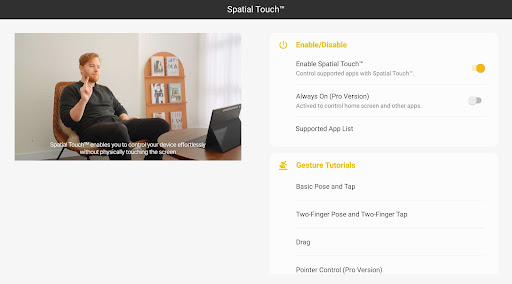
Spatial Touch™
-
4.7
-
Developer
VTouch
-
Category
Tools
-
Version
1.1.6
-
Android OS
Varies with device
-
Downloads
730M
-
Content rating
0
Pro
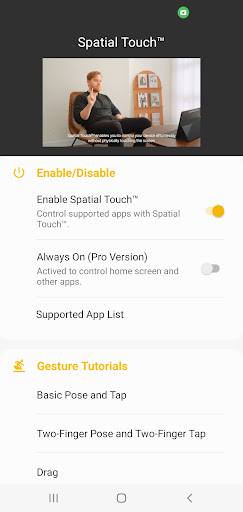
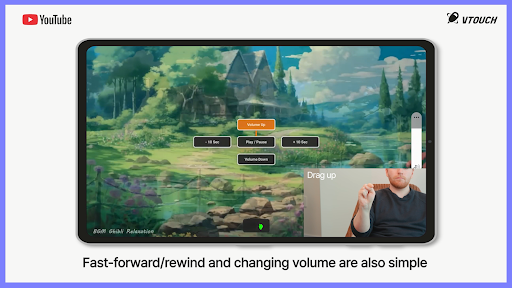
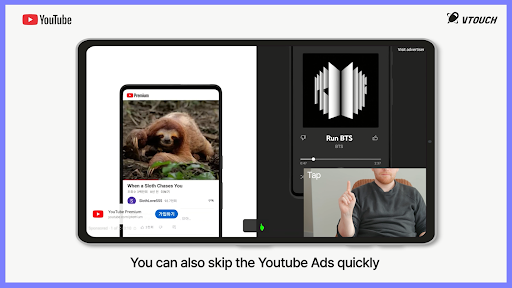
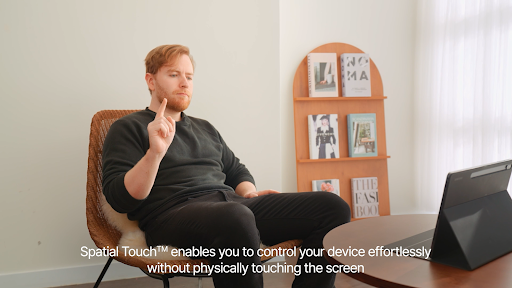
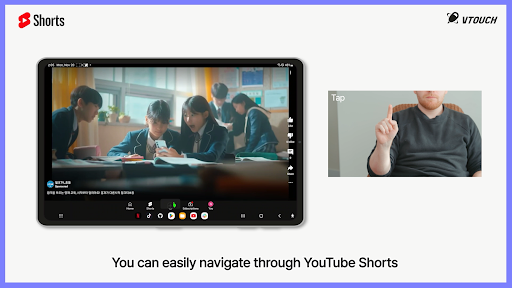
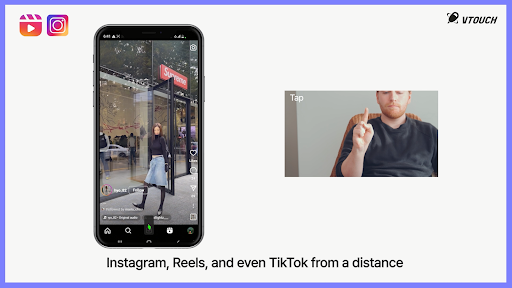
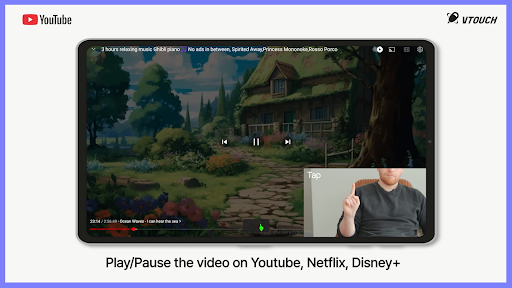
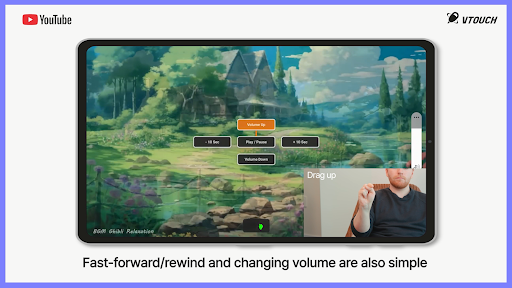
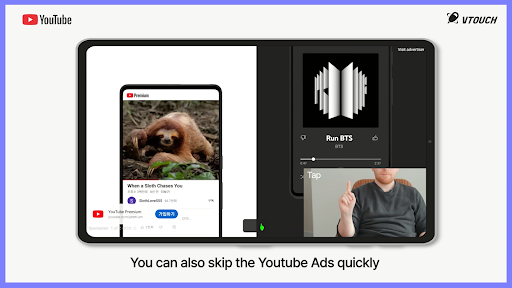
👍 Spatial Touch™ delivers intuitive 3D gesture controls that convert natural hand movements into precise on-screen commands. By reducing the learning curve, it accelerates navigation, editing, and interaction across touch, AR, and VR interfaces. Users gain smoother workflows and faster task completion without sacrificing accuracy or control.
👍 Spatial Touch™ combines subtle haptic feedback and spatial audio cues to create an immersive interaction layer. Real-time tactile and auditory responses improve precision and situational awareness, making it ideal for accessibility, design, and gaming applications. Low-latency feedback helps users perform delicate adjustments confidently and efficiently.
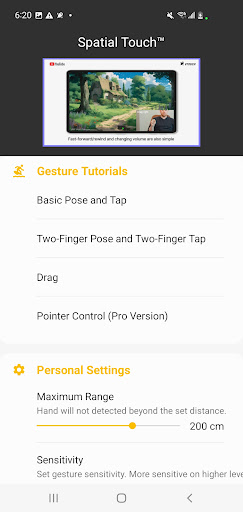
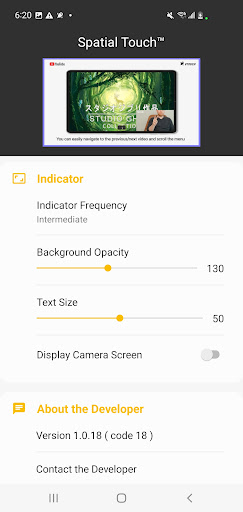
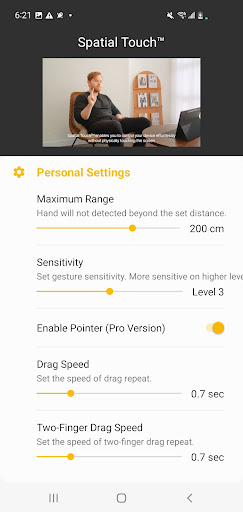
👍 Spatial Touch™ offers flexible customization and seamless integration with major platforms and third-party apps. Developers and teams can tailor gestures, shortcuts, and sensitivity settings, sync preferences across devices, and deploy quickly. The result is improved productivity, consistent cross-device experiences, and easier adoption across workflows and collaborative environments.
Con
👎 Steep learning curve and inconsistent gesture recognition. Spatial Touch™ relies on precise gestures and sensor calibration, which can be unintuitive for new users. Inconsistent tracking across environments causes frustration and requires repeated recalibration, slowing adoption and reducing usability for casual users or those preferring a straightforward, tap-based interface.
👎 High resource demands and limited device compatibility. The Spatial Touch™ app uses advanced sensors and real-time processing, which can tax CPU/GPU and quickly drain battery on older phones. Users with midrange or legacy devices may experience lag, reduced accuracy, or be unable to install the app at all due to minimum hardware requirements.
👎 Privacy and integration limitations. Spatial Touch™ collects motion and sensor data to function, raising privacy concerns if permissions and data handling aren’t clearly explained. The app also offers limited third-party integrations and export options, making it harder to connect with existing workflows, cloud services, or accessibility tools for users who need interoperability.
Screenshots