
Chrome Remote Desktop
-
4.9
Screenshots
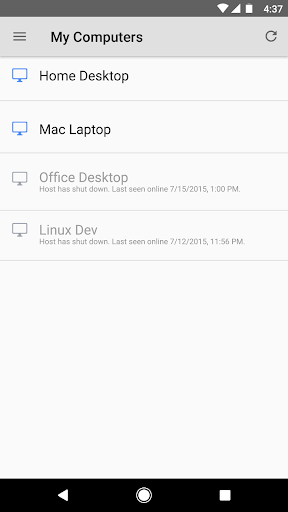

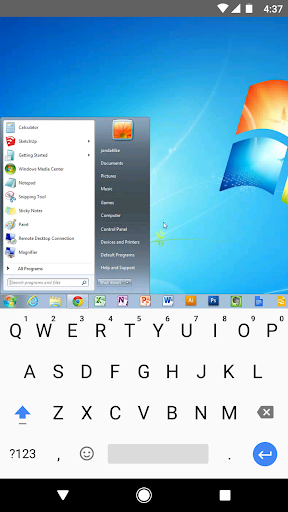
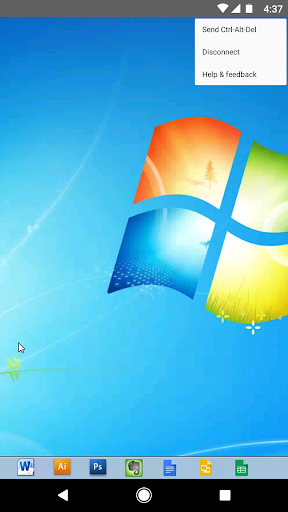
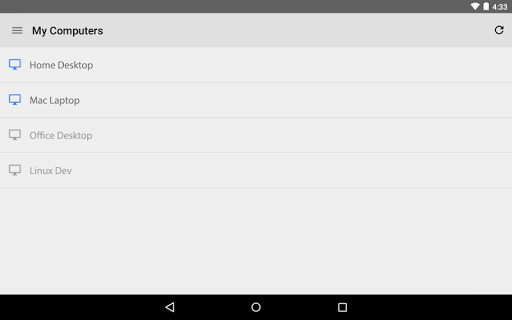

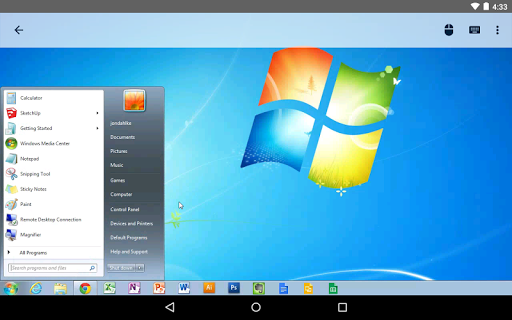

Securely access your computers from your Android device.
• On each of your computers, set up remote access using the Chrome Remote Desktop app from Chrome Web Store: https://chrome.google.com/remotedesktop
• On your Android device, open the app and tap on any of your online computers to connect.
For information about privacy, please see the Google Privacy Policy (http://goo.gl/SyrVzj) and the Chrome Privacy Policy (http://goo.gl/0uXE5d).
Similar Apps
-
 DuckDuckGo Privacy Browser4.6
-
 Robuck App - Get RBX Calc4.5
-
 Verity Mod for Minecraft PE4.5
-
 Kerala Jackpot Results4.5
-
 Kerala Lottery Official4.9
-
 Cleaner & Antivirus & fast VPN4.8
-
 Perfect Compass (with weather)4.9
-
 Myanmar 2D 3D4.6
-
 CardCosmic: Sell Gift Cards4.6
-
 Carding - Sell Gift Cards4.9
-
 Fonts AI Keyboard Trend&Fancy4.2
-
 Kerala Live Results4.6