Canvas Student
-
4.8
-
Developer
Instructure
-
Category
Education
-
Version
6.16.2
-
Android OS
5
-
Downloads
830M
-
Content rating
3
Pro
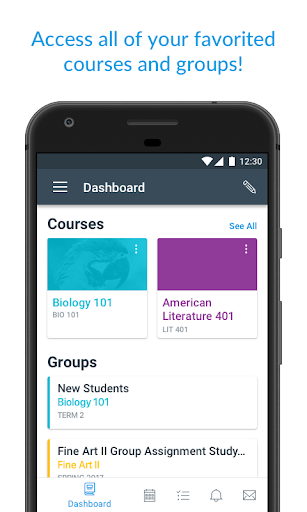
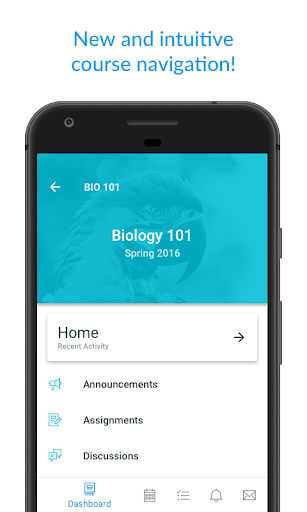
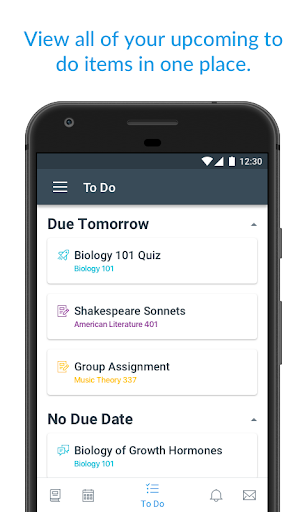
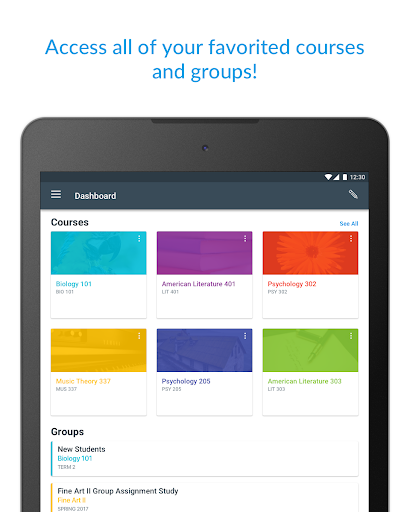
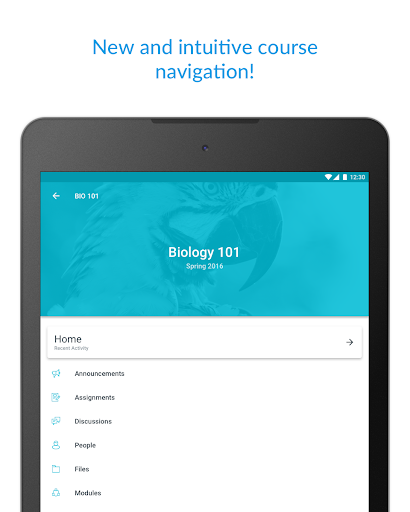
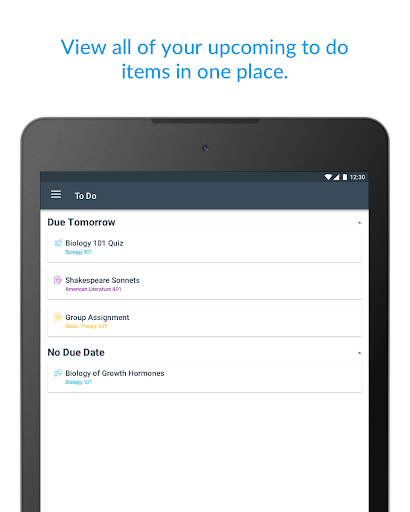
👍 Centralized course management keeps all your classes, assignments, grades and deadlines in one place. Canvas Student displays course modules, due dates, and a unified to-do list with calendar syncing, enabling quick progress checks, timely submissions, and personalized reminders so you never miss an assignment or important class update.
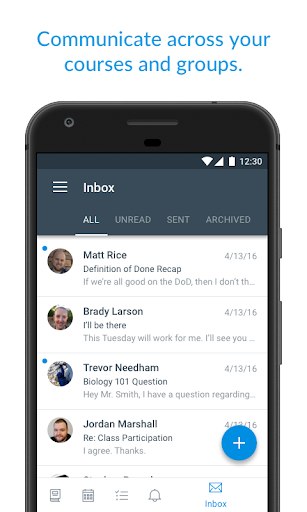
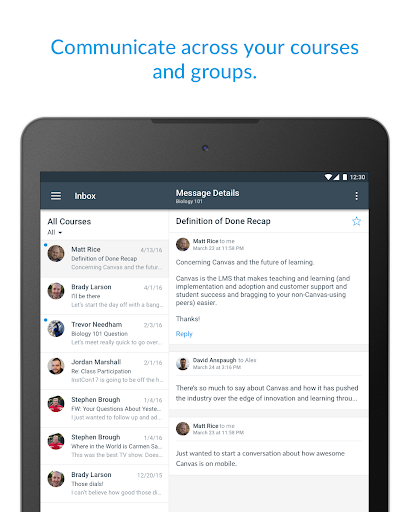
👍 Instant communication and collaboration tools streamline interaction with instructors and classmates. Announcements, inbox messaging, discussion boards and group spaces provide real-time notifications, file sharing and threaded conversations, making it easy to ask questions, coordinate projects, receive feedback and stay engaged with course activity from anywhere on the go.
👍 Optimized mobile access and offline capabilities let you review readings, watch lectures and access files without a constant internet connection. The app supports media playback, file downloads and assignment submissions, plus an intuitive, touch-friendly interface that accelerates task completion and improves study efficiency on smartphones and tablets.
Con
👎 The Canvas Student app offers core course access but lacks many features found in the full web version. Advanced grading tools, certain external LTI integrations, complex assignment types, and some rich content views may be unavailable or simplified, forcing students to use a browser for complete functionality.
👎 Notifications can be inconsistent and overwhelming. Push alerts sometimes arrive late, duplicate, or fail to reflect the same information shown inside the app, making it easy to miss deadlines. The notification settings are also scattered, so customizing alerts per course or activity isn't always intuitive, creating extra confusion.
👎 Offline access and file management are limited, especially for multimedia and large attachments. Downloading materials for offline study can be spotty, and submitting large files may require a desktop. The app’s storage controls and document previewing are basic, making organization and review of course files less efficient for busy students.
Screenshots