Alfred Home Security Camera, Baby Monitor, Webcam
-
4.8
-
Developer
Alfred Systems Inc.
-
Category
House & Home
-
Version
5.13.2 (build 2586)
-
Android OS
Varies with device
-
Downloads
1B
-
Content rating
0
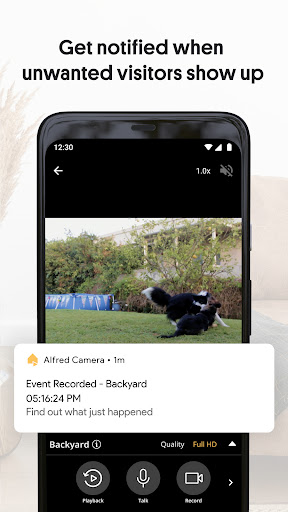
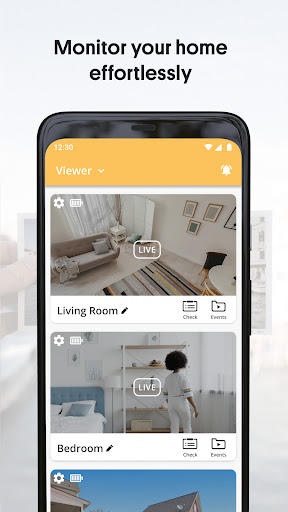
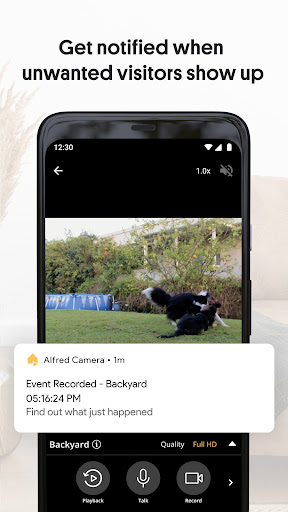
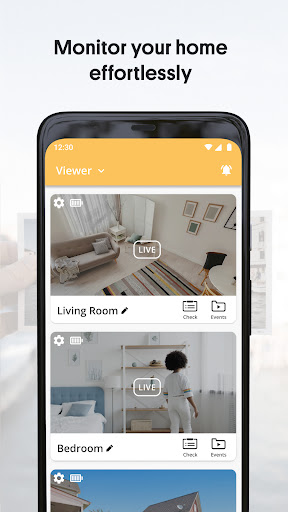
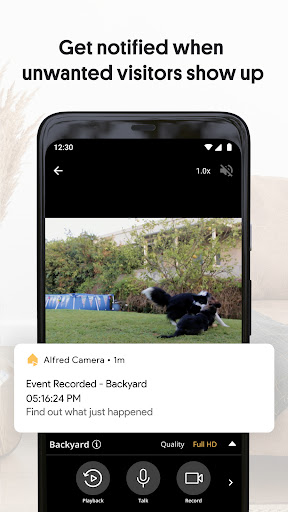
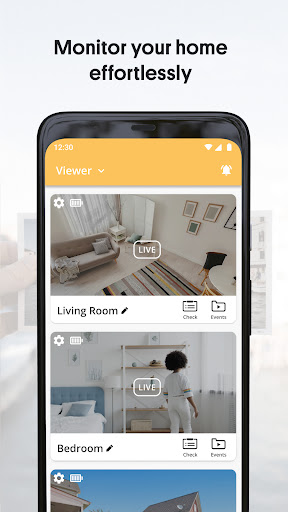
Alfred Home Security Camera is one of the top-rated home security apps that makes home security simple and accessible to everyone. The all-in-one app provides more features than a basic, expensive security camera. Through this app, users are able to watch live HD video for instant home insight, get instant notification when the Camera picks up on any movement and scare the intruder away by speaking through the walkie-talkie.
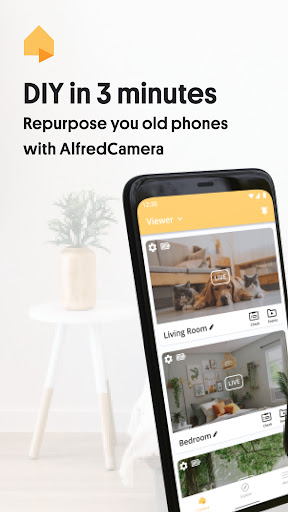
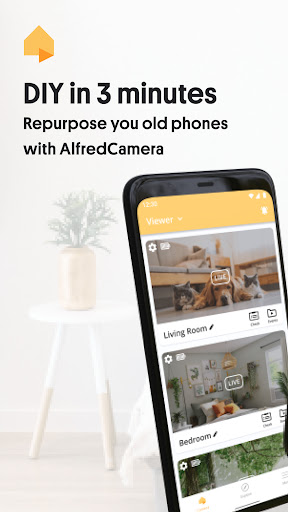
The app provides users with a smart home solution to protect their home without buying a real CCTV camera. Users can transform their old phone, tablet or PC into a security camera and then watch live video with another phone.
Features:
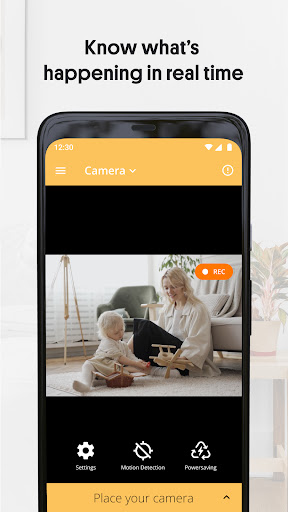
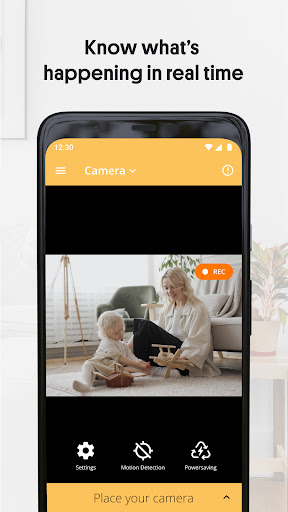
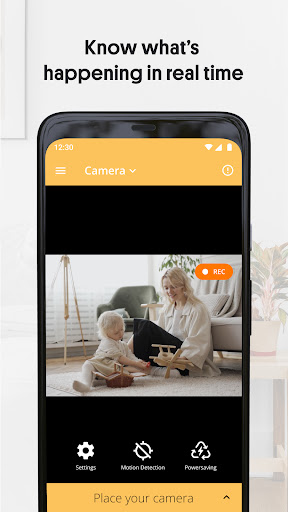
- 24/7 Live stream: Watch the high-quality live video at any time from anywhere.
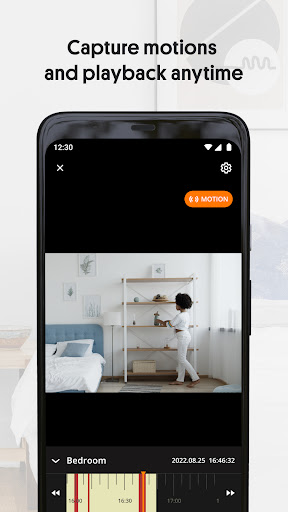
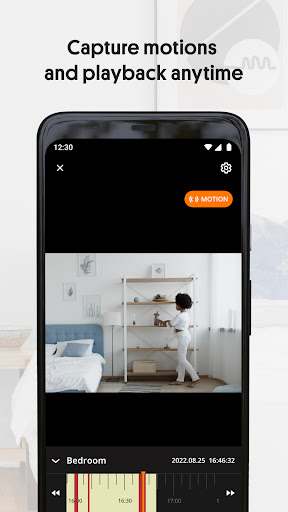
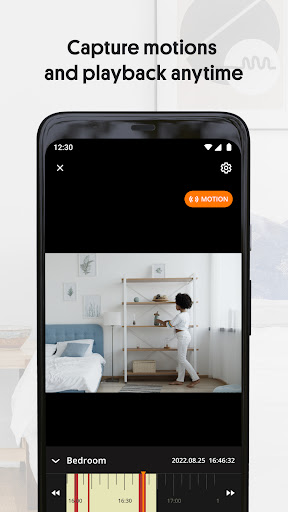
- Motion Detection: Get instant notification when the Camera picks up on any movement.
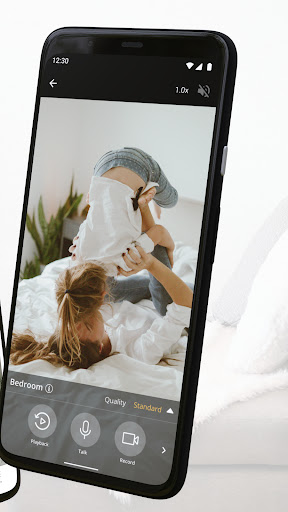
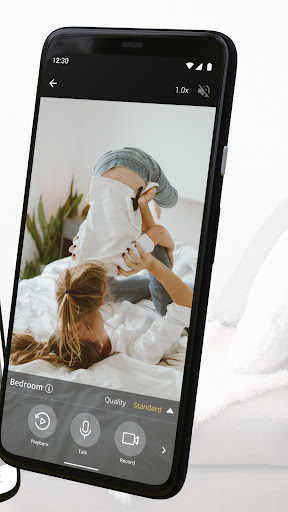
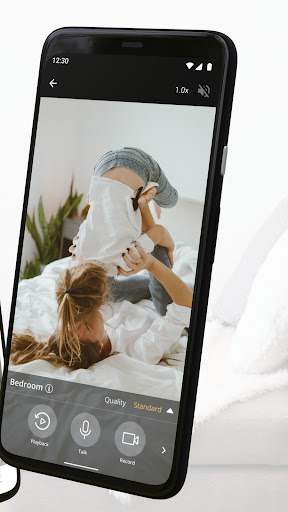
- Walkie-talkie: Deter thieves, interact with visitors or pets, and soothe babies through two-way talk.
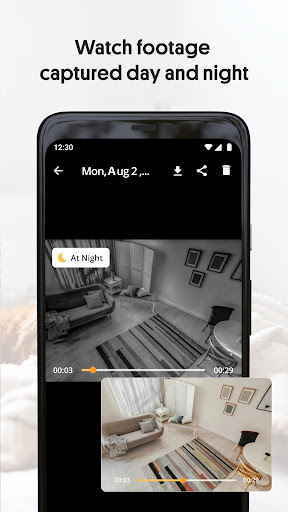
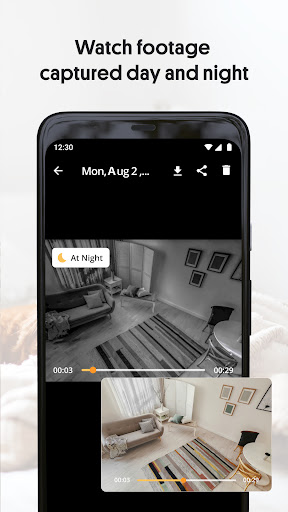
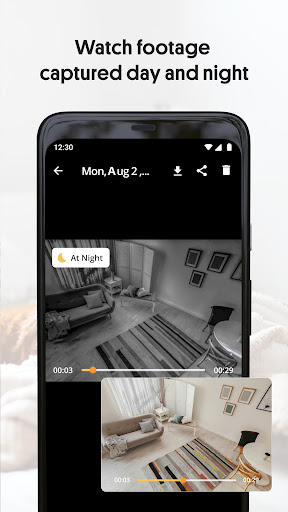
- Cloud storage: Playback, download, and share your video footage at any time.
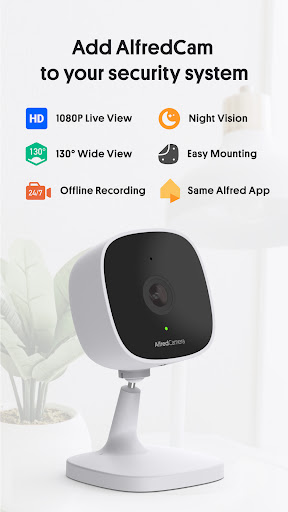
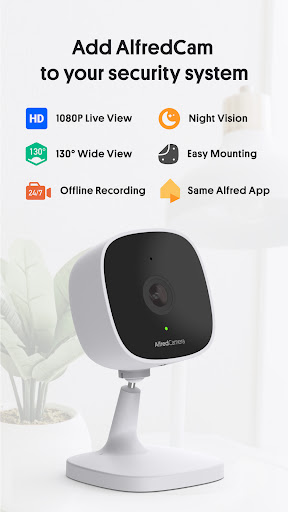
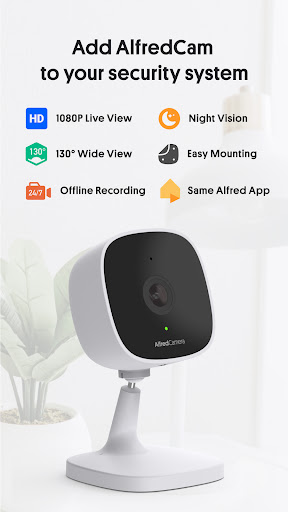
- Low-Light Filter: Observe sleeping babies, reinforce security when it's dark, and monitor your pets' nightlife.
- Siren: Scare away intruders, protect your possessions even when you are far away from the house.
- Person Detection: Avoid unwanted alerts triggered by irrelevant objects in your environment.
How do I set up AlfredCamera?
Alfred Camera is one of the easiest-to-install smart home solutions. You can transform your old phone, tablet or PC into a security camera and then watch live video with another phone. To set up your home security system, you need to prepare 2 devices: one serves as a camera to record motions and another serves as a viewer to check the feed from your camera device. Then you can download the Alfred app on your 2 devices and connect the 2 devices with the same account. Finally check your devices and you can start watching live and recording videos.
More:
You can download this app from Google Play Store or Apple Store. For Android users, you can download the apk we offer to you and finish the installation.
Screenshots