Smart Switch
-
4.9
-
Developer
Quantum4u
-
Category
Tools
-
Version
8.0
-
Android OS
4.4
-
Downloads
310M
-
Content rating
0
Pro
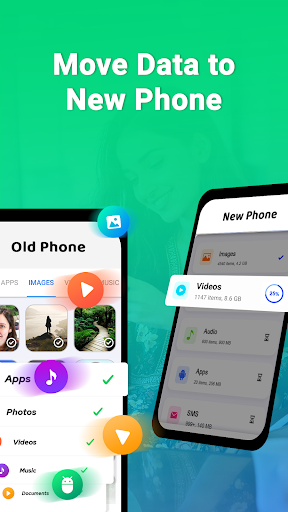
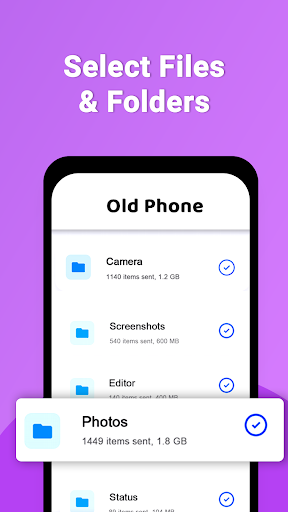
👍 Smart Switch My Phone simplifies switching devices with one-touch transfers. Fast wired or wireless connections move contacts, messages, photos, apps, and settings in minutes, minimizing downtime. Its intuitive interface and guided steps make migration accessible for non-technical users, ensuring a smooth, time-saving upgrade experience.
👍 Built for broad compatibility, Smart Switch My Phone supports transfers between Android and iOS devices and offers PC/Mac backup and restore. It accommodates wired, wireless, and external storage methods so you can choose the fastest or most convenient option for your setup, reducing technical barriers when changing phones.
👍 Prioritizing data integrity and security, Smart Switch My Phone transfers and backs up information with reliable preservation of contacts, messages, photos, and device settings. Selective restore lets you pick which items to move, while local and cloud backup options and encryption protect your personal data during migration.
Con
👎 Compatibility and cross-platform limitations can be frustrating. The app doesn’t always support every device model or older operating system, and moving data between different brands (or from iCloud) may require extra steps, cables, or third-party tools. Users can experience failed or partial transfers when devices or OS versions aren’t fully supported.
👎 Some data won’t transfer completely. App-specific settings, saved passwords, DRM-protected media, secure app data, and certain message formats often aren’t migrated, requiring manual reinstallation or setup. This can be time-consuming and confusing for users expecting a seamless device swap, especially when critical app data or subscriptions don’t carry over.
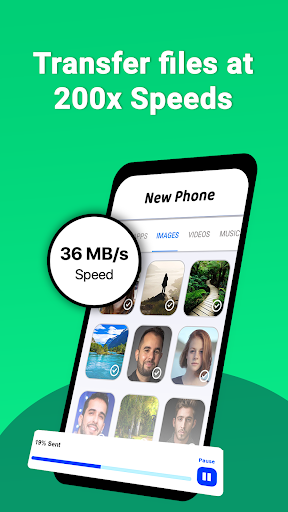
👎 Transfer speed and reliability can be uneven. Large backups or migrations may take a long time, stall over unstable Wi‑Fi, or drain batteries. Users sometimes need cables or multiple attempts to finish. Occasional bugs, interrupted transfers, and the app’s broad permissions can raise concerns about convenience and data security.
Screenshots