Canon PRINT
-
4.9
-
Developer
Canon Inc.
-
Category
Tools
-
Version
3.6.0
-
Android OS
Varies with device
-
Downloads
590M
-
Content rating
0
Pro
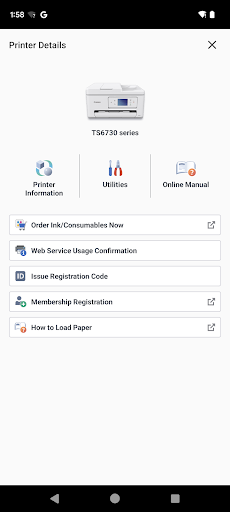
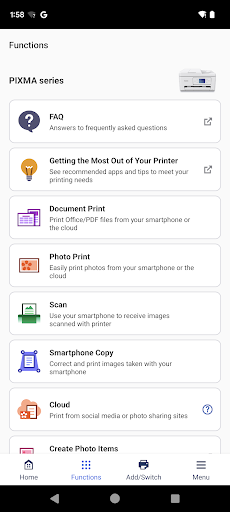
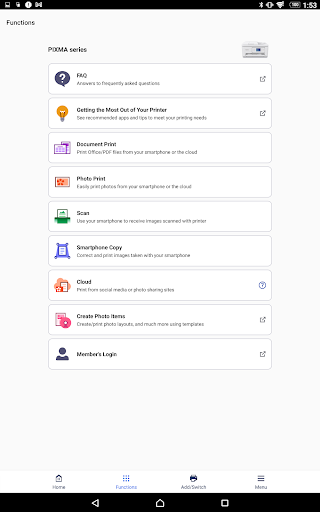
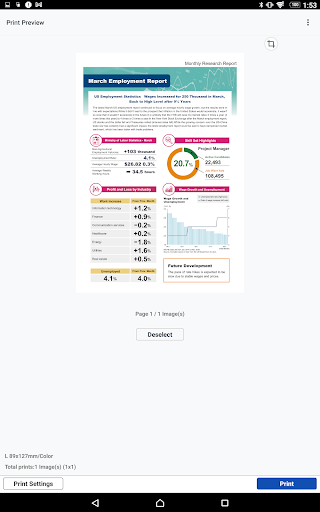
👍 Canon PRINT Inkjet/SELPHY makes wireless printing effortless — print documents and photos directly from your smartphone or tablet to compatible PIXMA and SELPHY printers. The app supports Wi‑Fi and cloud services like Google Drive and Dropbox, plus simple on‑screen setup, making mobile-to-printer workflows fast and reliable for everyday use.
👍 Built for high-quality photo output, Canon PRINT Inkjet/SELPHY offers easy editing tools, borderless printing, collages, and ID-photo templates so you can customize prints before sending. Preset filters, crop and color adjustments, and dedicated photo layouts help produce vibrant, lab-quality photos from your phone with precise framing and color control.
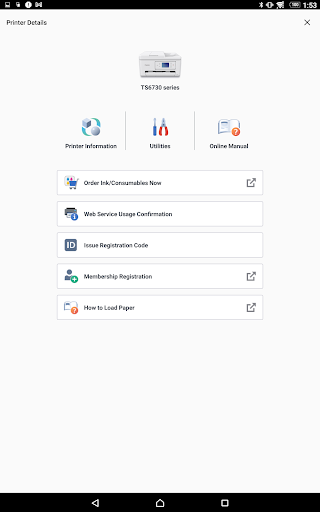
👍 Beyond printing, the app simplifies printer management with ink and status monitoring, maintenance utilities, and firmware updates. Scan documents or photos to your device or cloud services, manage print queues remotely, and access troubleshooting — all to reduce downtime and keep your Canon printer functioning smoothly for home or small-office tasks.
Con
👎 The Canon PRINT Inkjet/SELPHY app can be unreliable: it sometimes struggles to discover or maintain connections with Wi‑Fi or Bluetooth Canon printers, especially after router changes, firmware or OS updates. Users may need frequent reconfiguration, suffer dropped print jobs, or face inconsistent behavior across models and networks, disrupting mobile printing workflows.
👎 Editing and print customization are basic: the app offers simple cropping, resizing and brightness adjustments but lacks advanced photo editing, color management, precise layout controls and batch-processing. Professionals and power users often must switch to desktop software for full control, which reduces convenience for mobile-first editing and printing tasks.
👎 Scanning and document handling are limited: scan-to-cloud, OCR and multi-page document management are less robust than dedicated scanning apps. File format support and export options can be restrictive, making it harder to create searchable PDFs, combine pages, or integrate smoothly with third-party cloud services and document workflows.
Screenshots