Firefox Focus
-
4.6
-
Developer
Mozilla
-
Category
Communication
-
Version
8.0.15
-
Android OS
5
-
Downloads
20M
-
Content rating
3
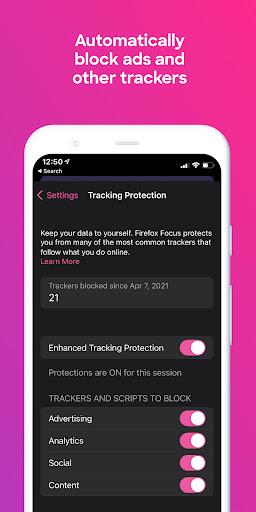
Firefox Focus is Mozilla's lightweight mobile browser, focusing on privacy and tracking protection. It automatically blocks a wide range of online trackers, helps erase your history, passwords, and cookies so that things like unwanted ads won't follow you.
Firefox Focus is also a speedy browser, requiring about 22MB of memory to run compared to about 66MB for the same webpage open. Therefore, it is noticeably faster than Safari or Chrome on mobile devices. In terms of download size, it needs less space on the devices: lower than 22MB while the mobile version of Chrome needs 70MB.
Main Features:
1. Automatic Privacy
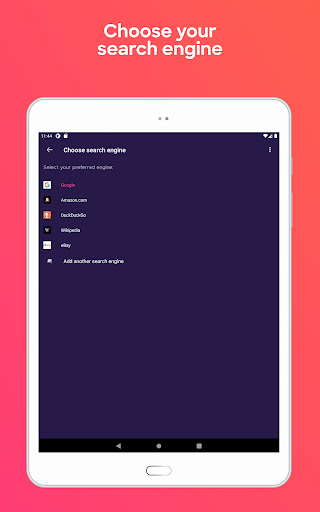
· The browser will automatically block a wide range of common Web trackers without any settings. But you can adjust ad-blocking, set your default search engine like Google, Yahoo, and so on.
· Easy to delete your history.
2. Faster Browser
Web pages require fewer data and load faster by removing trackers and ads.
More:
Pros:
· A slick soothing interface.
· A Faster browser because of blocking ads and limiting data movement.
· The most secure main-stream browser and provides an erase button to help remove your history.
· Firefox Focus employs minimal system resources and keeps a small footprint.
· Firefox Focus can be paired up with Safari on iOS devices.
Cons:
· One tab only at a time because that's all you can have open.
· Bookmarks are not available in Focus.
Screenshots